What a photo says about itself
How to read a photo's metadata (EXIF) on a phone or computer, what each field means, why metadata is a clue and never proof, and how to remove location data from your own pictures.
Lawful purpose: checking whether a news or public photo is what it claims to be, and protecting your own photos before you share them.
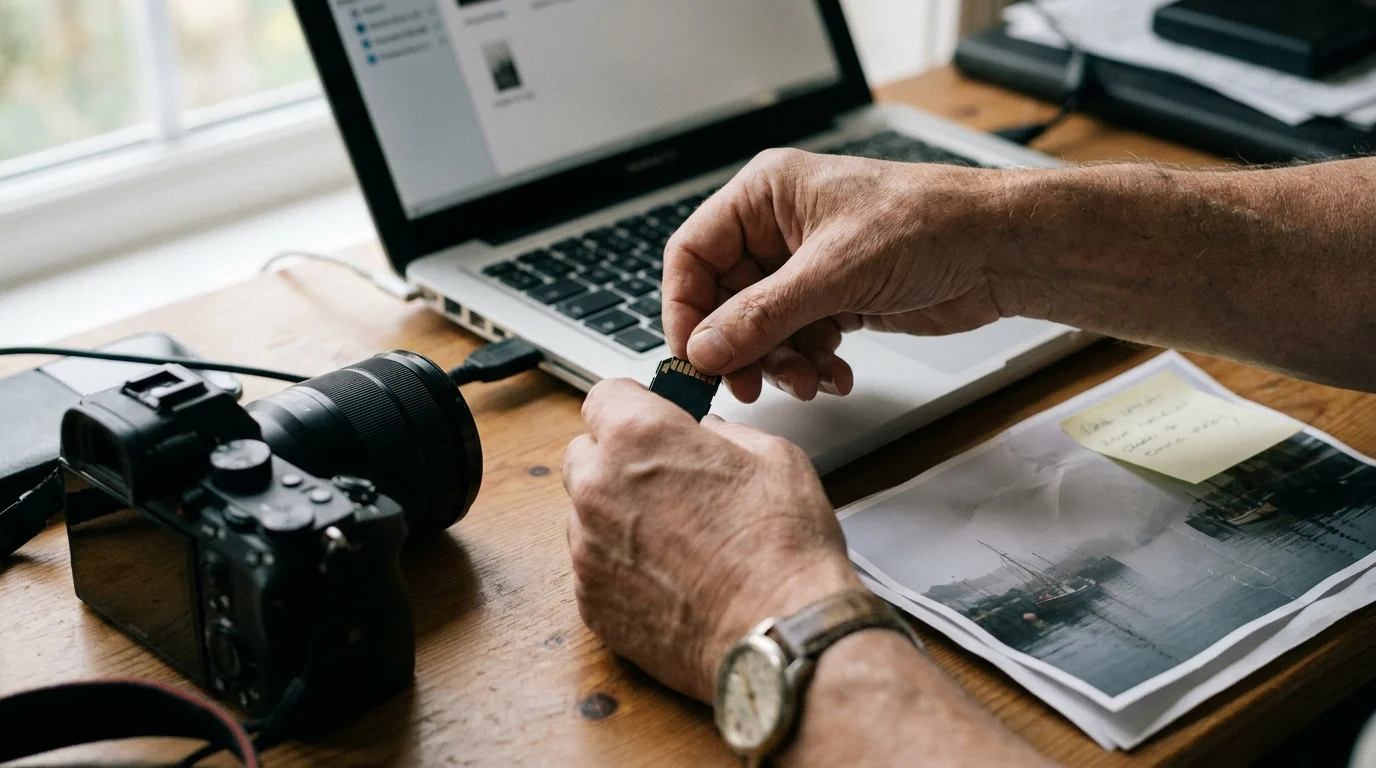
Photo Metadata, in plain words
Most digital photos carry a small block of text inside the file, written by the camera or phone at the moment the picture was taken. The common standard is called EXIF. It can hold the camera make and model, the date and time, the lens and exposure settings and, when location was switched on, the GPS position.
For a fact-checker this is a useful first clue. A photo said to be from yesterday's flood that carries a date from four years ago deserves a closer look. But metadata is easy to edit and easy to lose: many large platforms remove most of it when a photo is uploaded, and any editing app can rewrite it. So we treat it as one line of evidence, to be checked against the picture itself, the weather, the shadows and other sources.
The same knowledge protects you. A photo of your new front door, shared straight from your phone's camera roll, can carry the exact spot where it was taken. This topic shows how to read the data, and how to take it off your own photos before they leave your hands.
How a careful researcher does it
- 1Keep the originalWork on a copy. Note where the file came from, when you got it, and the file's size, so you can show later that nothing changed in your hands.
- 2Read the fieldsOpen the file's details on your phone or computer, or in a viewer you trust. Write down date, device, software and any location fields exactly as shown.
- 3Test against the pictureDoes the season, the light, the weather and the device fit the story? A field that disagrees with the scene is a lead to follow, not a verdict.
- 4Clean your own copiesBefore you post your own photos, turn location off for sharing or strip the metadata, then check the shared copy to confirm it is gone.
The purpose, the law, the line
6 guides in this case file
- 01How to get metadata from a photo, on phone and computerWhat each EXIF field means, and why it is a clue, not proof.In writing
- 02Remove EXIF data from your own photos before you shareLocation and device data off, and which apps already do it.In writing
- 03Remove photo metadata on iPhoneLeave location and details out when you share from an iPhone.In writing
- 04Image metadata location: what GPS a photo can carryCheck your own photos leak no location; news verification only.In writing
- 05Exif Pilot: what the tool does, and free alternativesDated notes on a long-running desktop metadata editor.In writing
- 06Jeffrey's Exif Viewer: what it shows, and where it stands nowThe web viewer many guides still cite, with alternatives.In writing
Guides marked “In writing” are being researched and checked. Each one names its lawful purpose first and dates every tool it mentions.
Official and primary sources
- CIPA: the Exif standard (Camera and Imaging Products Association)
- Apple iPhone User Guide
- Berkeley Protocol on Digital Open Source Investigations (UN Human Rights Office)
Osintian is not affiliated with any organisation listed here.